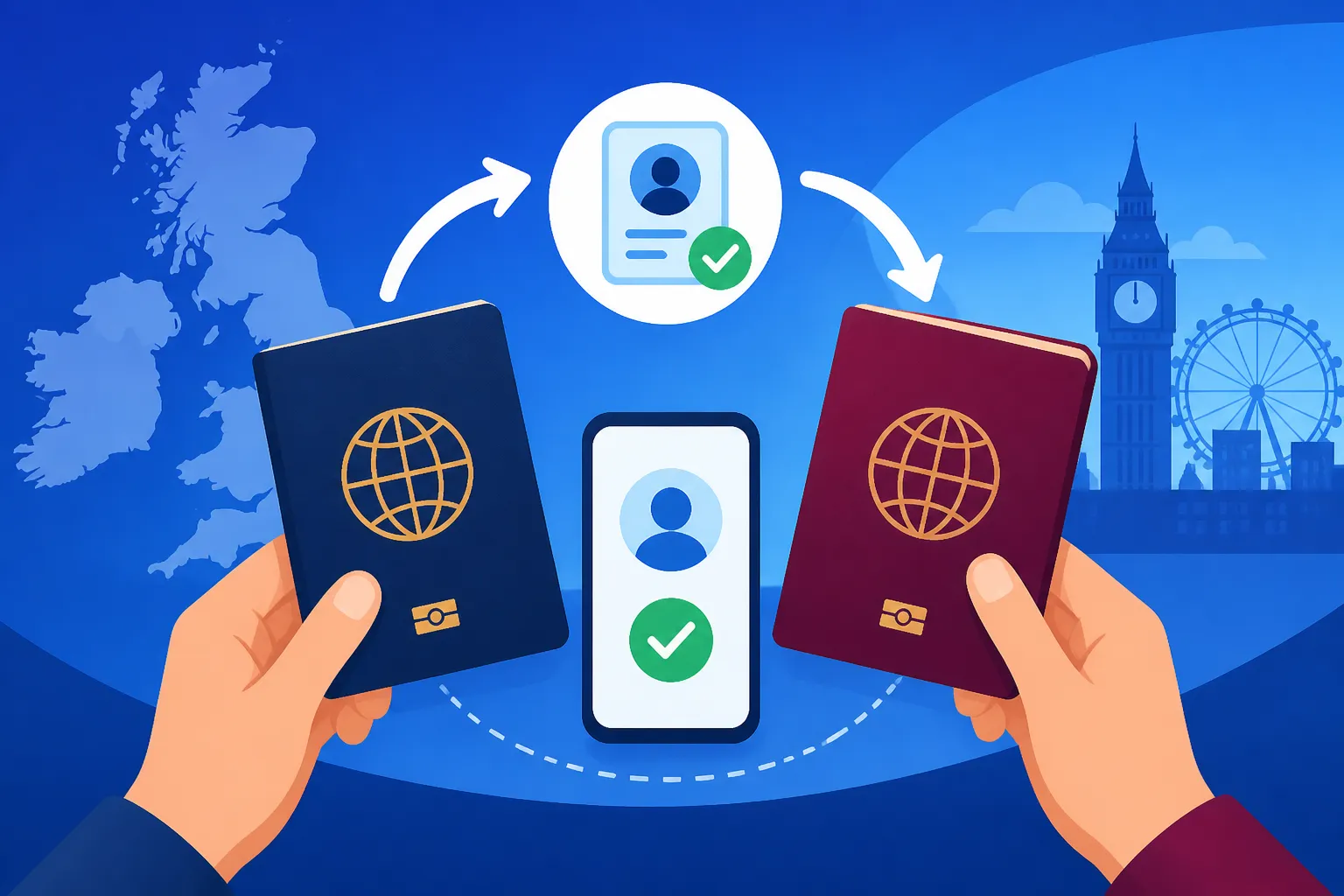
How Do I Move My eVisa to a New Passport in the UK?
If you've spent any time living in the UK as an expat, you'll know that administrative hurdles feel like a permanent feature of life here. One of those particularly nail-biting moments can be when your passport is expiring, gets lost, or your name changes, and you suddenly wonder how on earth to update your shiny new eVisa. That digital record is tied to your old passport, after all! This guide is here to walk you through the often-confusing process of moving your UK eVisa to a new passport, ensuring your immigration status remains valid and travel-ready.
Understanding Your UK eVisa and Passport Changes
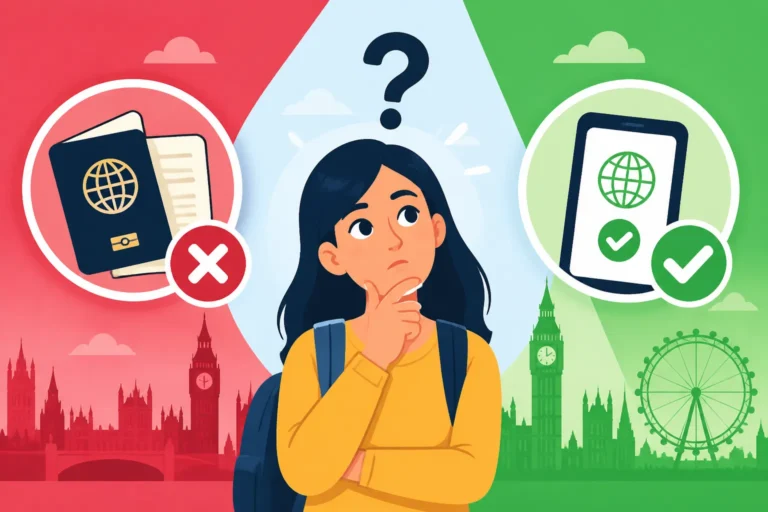
Let's face it, the shift from physical documents like the Biometric Residence Permit (BRP) to a fully digital eVisa has been a mixed bag for many of us. While it promised convenience, it also introduced a new layer of anxiety: what if your digital record doesn't match your current physical passport? This is a perfectly valid concern, and it's something you absolutely must address if your passport details change for any reason.
The Digital Shift: From BRP to eVisa
For years, many expats relied on their BRP card as tangible proof of their right to live and work in the UK. It was a physical card, often tucked safely in a wallet, that contained all your vital immigration information. However, the UK Home Office has been progressively moving towards a fully digital system, where your immigration status is primarily stored online and linked to your passport details. This means that for anyone whose visa was granted after a certain point, or those renewing their status, you'll likely have an eVisa. It's fantastic in theory – less plastic, less to lose – but it means your online profile needs to be spot-on, especially when it comes to your passport. You can find more comprehensive details on this system in our guide on How the UK Points-Based Immigration System Works (2027).
The core principle here is that your eVisa status is linked to the passport you used to apply for it. If that passport is no longer valid, or if you've got a shiny new one, your digital immigration record needs to be updated to reflect this change. It's not just a suggestion; it's a critical step to ensure seamless travel and to avoid any hiccups when proving your right to be in the UK.
Why Updating Your Passport Details is Crucial
"Is it really that big of a deal?" you might be thinking. Oh, my friend, it absolutely is. Imagine this scenario: you're heading to the airport for a well-deserved holiday, you've got your new passport in hand, but your eVisa is still linked to the old one. At border control, a quick scan of your new passport won't immediately bring up your valid immigration status, because the numbers don't match. This can lead to delays, intense questioning, and in worst-case scenarios, being denied boarding or entry. There are many reports of people stuck in limbo because of a mismatch.
Beyond travel, there are everyday implications too. When you need to prove your right to work, open a bank account, or access certain public services, you often need to show your passport. If your digital immigration record can't be readily accessed and matched to your current passport, it can create a bureaucratic nightmare. It’s an essential part of staying on the right side of things here in the UK. You can also dive deeper into The Complete Guide to UK Visas and Immigration for Expats (2027) to understand the broader context.
The need to update your eVisa applies to several common scenarios:
- Passport Renewal: Your old passport expires, and you get a new one from your home country's embassy or consulate.
- Lost or Stolen Passport: A nightmare scenario, but once you replace it, you must update your UKVI record.
- Damaged Passport: If your passport becomes unusable, and you get a replacement.
- Name Change: If your name changes (e.g., through marriage or deed poll) and your new passport reflects this.
In all these cases, your unique immigration identifier remains the same, but the document it's linked to has changed. The good news is, the UK Home Office has a process in place for this, though navigating it requires a bit of patience and attention to detail.
The Step-by-Step Process to Update Your eVisa Information
Alright, deep breaths! While it might seem daunting, updating your eVisa details isn't as complicated as some other UK immigration processes. It's primarily an online task, but it requires precision. Here’s how you can go about it, step-by-step.
Accessing Your UKVI Account and the Update Service
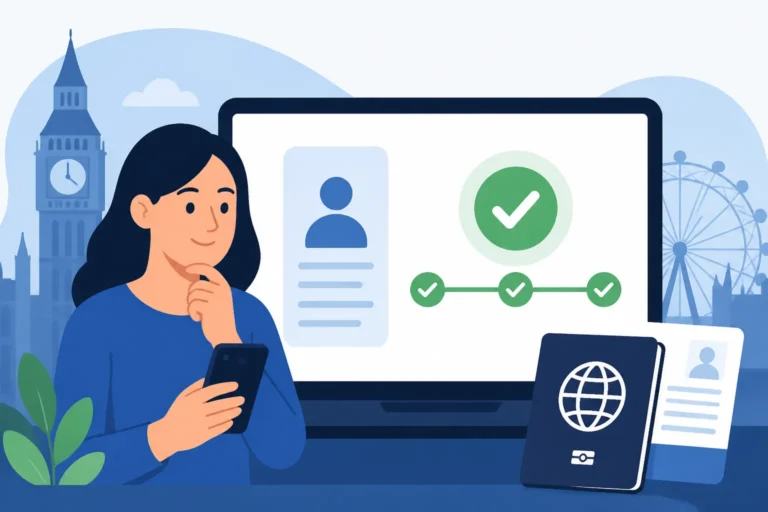
The first port of call for anything related to your eVisa is your personal UKVI account. This is where your digital immigration status lives, and it's the official channel for making any changes.
- Log in to your UKVI account: Head to the official UK government website (gov.uk) and search for "Update your UKVI account details" or directly access the service via the link provided on your original visa grant email. You'll need the email address and password you used when you first applied for your visa.
- Navigate to the relevant section: Once logged in, you're looking for the section that allows you to update your personal details, specifically your passport information. The exact wording might vary slightly, but it will be clearly labelled. This is where you connect your new document to your existing immigration record.
It's absolutely vital that you use the official government service. There are always dodgy websites out there trying to scam people, so double-check that you're on a gov.uk domain.
Submitting Your New Passport Details
This is where the actual 'moving' of your eVisa happens, albeit digitally. You'll need to provide accurate information from your new passport.
- Prepare your documents: Before you start, have both your old and new passports handy. You'll need details from both, especially the passport numbers, issue dates, and expiry dates. If you've also had a name change, ensure you have documentation for that, such as a marriage certificate or deed poll. Don't forget any other supporting documents you might have used for your initial visa application; it’s always better to have too much information than too little. Our guide on How to Get Your Documents Ready for a UKVI Application offers useful advice here.
- Fill out the online form: The online service will guide you through entering your new passport details. Be extremely careful when typing in the new passport number, issue date, and expiry date. A single typo can lead to significant delays and frustration.
- Specify the reason for the update: The form will usually ask why you're updating your details (e.g., passport renewal, lost passport, name change). Select the appropriate option.
- Upload supporting evidence (if required): Depending on the reason for your update, you might be asked to upload scans or photos of your new passport, the biodata page, or a document proving a name change. Ensure these are clear, legible, and meet the specified file size/type requirements.
What to Expect After Submission
Once you've meticulously submitted everything, you'll get a confirmation of submission. This isn't an instant update, so don't expect your eVisa to magically switch over immediately.
- Confirmation Email: You should receive an email confirming that your request has been received. Keep this email safe, as it often contains a reference number.
- Processing Time: The Home Office typically processes these updates within a few working days, but sometimes it can take longer, especially during peak periods or if there are any discrepancies. It's frustrating to wait, but patience is key.
- Checking Status: You won't usually get a direct notification that your eVisa has been 'moved'. Instead, you'll need to check your UKVI account periodically. Once the update is processed, your account should reflect the new passport details and show your immigration status linked to the new document. You might see a service like 'View and Prove Your Immigration Status' updated.
| Document Change Scenario | Key Information Required | Potential Additional Documents | Notes |
|---|---|---|---|
| Passport Renewal | New passport number, issue/expiry dates | Old passport details (for reference) | Most common scenario. Ensure dates are exact. |
| Lost/Stolen Passport | New passport number, issue/expiry dates | Police report (if applicable), proof of original visa/BRP details | Report loss/theft to relevant authorities first. |
| Damaged Passport | New passport number, issue/expiry dates | Damaged passport details (if legible) | Ensure new passport is fully valid. |
| Name Change (e.g., marriage) | New passport with new name, issue/expiry dates | Marriage certificate, deed poll, or equivalent legal document | Name change must be legally recognised in your home country and reflected on new passport. |
Common Challenges and Troubleshooting for Expats
It is well known that even the simplest process can throw a curveball. Updating your eVisa is no exception. It’s important to anticipate potential snags and know how to navigate them.
Technical Glitches and Login Issues
"The website is down again!" or "I can't remember my login details!" are cries commonly heard from users. It's frustrating when you're trying to do the right thing, and technology decides to be difficult.
- Forgotten Passwords: The UKVI system has a standard 'forgotten password' link. Use it. Make sure you have access to the email address associated with your account.
- System Maintenance: Government websites, like any online service, undergo maintenance. If you find the service unavailable, try again during off-peak hours or the next day. It's inconvenient, but it happens.
- Browser Compatibility: Sometimes, using a different web browser (e.g., Chrome, Firefox, Edge) can resolve minor technical glitches. Clear your browser's cache and cookies too; sometimes old data can cause issues.
If you're still locked out or facing persistent errors, the worst thing you can do is panic. Take a screenshot of the error message, note the date and time, and then consider reaching out to the UKVI contact centre (more on that below).
Delays and Lack of Confirmation
The waiting game is often the hardest part of any immigration process. You've submitted your details, but weeks pass, and you hear nothing. This can be incredibly anxiety-inducing.
- General Waiting Times: Always assume that government processes can take longer than advertised. The stated processing times are often averages, and your case might take a bit longer for various reasons.
- How to Follow Up: If the stated processing time has passed, and you haven't received any update or seen changes in your online status, you can contact UKVI. The contact centre can usually provide a status update, though they are often limited in what specific details they can share. You can also explore Understanding the Cost and Timeline of the UK Visa Process for more context on general processing expectations.
- Proof of Submission: This is why keeping that initial confirmation email is so crucial. If you need to follow up, having your reference number makes the process much smoother.
Urgent Travel Plans and Undated Passports
This is where things can get seriously stressful. You suddenly need to travel, but your passport is new, and your eVisa hasn't been updated yet.
- Contact UKVI Immediately: If you have urgent, unavoidable travel plans and your eVisa isn't updated, your first step should be to contact the UKVI helpline. Explain your situation clearly and calmly. They might be able to expedite the update or provide a letter/email that confirms your status while you wait for the full update.
- Travel with Both Passports: If you still have your old passport, always carry both the old (linked to your eVisa) and the new passport (valid for travel) when your details are in the process of being updated. This allows border officials to cross-reference your identity and immigration status.
- Understand the Risks: Travelling with unmatched passport and eVisa details carries a risk. While most border officials are understanding, they are within their rights to cause delays or question your entry. It’s always best to avoid this situation if possible. If you are ever in a medical emergency while travelling, it helps to have your documents in order. Having robust travel or international health insurance, perhaps from a provider like Cigna Global, offers incredible peace of mind when you're abroad.
Remember, the key here is proactivity. Don't leave your passport update until the last minute if you foresee travel.
Maintaining Your eVisa: Best Practices and Future Planning
Once you've successfully navigated the update process, breathe a sigh of relief! But the journey of an expat is one of continuous vigilance when it comes to paperwork. Keeping your eVisa in tip-top shape requires ongoing attention.
Regular Checks and Record Keeping
This might sound like nagging, but honestly, it will save you so much grief down the line.
- Set Reminders: Put a reminder in your calendar for six months before your passport is due to expire. This gives you ample time to renew your passport and then update your UKVI account without any last-minute stress. Likewise, remember to check the expiry date of your visa itself – they aren't always aligned. You can learn more about how to proactively handle this in our guide on How to Renew or Replace Your UK Visa or eVisa.
- Digital and Physical Copies: Keep digital copies of everything – your old passport, new passport, the email confirmation of your eVisa, and any communication from UKVI. Store them securely in a cloud service and on an external drive. I even recommend printing out key documents and keeping them in a physical 'important documents' folder. When you're settling into your new life, don't forget to keep all your important documents organised, just as you would when arranging international shipping with a service like Sirelo.
- Check Your UKVI Account Annually: Even if nothing changes, it's a good habit to log into your UKVI account once a year to ensure all details are correct and your status is clear. It's a quick check that can prevent future headaches.
Future Travel and Immigration Planning
Life happens, and sometimes things change. Whether you're planning a big move, hoping for permanent residency, or just want to ensure smooth sailing for future holidays, keeping your eVisa updated is foundational.
- Before Any Major Travel: Always, always double-check your passport validity and your eVisa status before booking flights. A quick look at your UKVI account can save a world of trouble.
- Preparing for Settlement (ILR) or Citizenship: If you're on the path to Indefinite Leave to Remain (Settlement) or British Citizenship, having a consistent and accurate immigration record is paramount. Any discrepancies or un-updated passport details can complicate your application, potentially causing delays or even refusals. The Home Office relies on your digital record, and if it's not reflective of your current valid travel document, that raises red flags.
- Seeking Professional Advice: If you're ever in doubt, or your situation is particularly complex (e.g., multiple name changes, dual nationality issues, or non-standard visa routes), don't hesitate to consult an immigration solicitor or advisor. While this guide provides general advice, individual circumstances can vary greatly, and professional legal guidance is invaluable.
Navigating immigration in the UK can feel like a labyrinth, but by being proactive and meticulously keeping your records updated, you can smooth out many of the bumps in the road. Your eVisa is your digital key to staying in the UK, so treat it with the care it deserves!
Disclaimer
Please remember that I am an expat blogger and not a legal professional. The information provided in this guide is for general informational purposes only and does not constitute legal advice. Immigration rules and processes can change frequently. Always refer to the official UK government (gov.uk) website for the most up-to-date guidance, or consult with a qualified immigration solicitor for advice tailored to your specific situation.