How Do I Set Up Streaming and TV in My UK Home?
Moving to a new country is a whirlwind, isn't it? You've landed, you're trying to figure out where to buy decent tea, and suddenly you realise that setting up something as basic as watching TV or your favourite streaming shows can feel like cracking a secret code. Forget endless channels – the UK has its own unique quirks, especially when it comes to something called a "TV Licence." It's not just about plugging in your device; there's a whole system to understand to enjoy your home entertainment without any unexpected headaches. This guide is here to demystify the process, helping you get your UK home entertainment setup just right, so you can finally kick back and binge-watch in peace.
Navigating the TV Licence Labyrinth
Ah, the infamous TV Licence. This is probably one of the most confusing aspects for newcomers to the UK, and believe me, you're not alone in feeling bewildered by it. Many expats come from countries where television is either entirely subscription-based or funded through general taxes, so the idea of a separate licence for watching broadcast TV is completely foreign. Let's get to the bottom of it.
Do You Actually Need One? Understanding the Rules
This is the million-dollar question, and the answer isn't always straightforward. In the UK, a TV Licence is a legal requirement if you watch or record live television broadcasts as they're being shown, regardless of what device you're using. This includes TV sets, computers, mobile phones, tablets, and even games consoles. But here's the crucial bit that often catches people out: you also need a TV Licence to watch BBC iPlayer, whether you're watching live, catching up, or downloading programmes. Yes, even if you're only watching old episodes of EastEnders on demand, if it's via BBC iPlayer, you need a licence.
If you strictly only watch on-demand content from other streaming services like Netflix, Amazon Prime Video, Disney+, or YouTube (as long as it's not live broadcasts), then you generally do not need a TV Licence. This also applies if you only watch DVDs or Blu-rays, or play video games. The key is live broadcast and BBC iPlayer.
Imagine you've just moved into your new flat in Manchester. You've unpacked some boxes and want to unwind. If you switch on your TV and flick through channels like BBC One, ITV, Channel 4, or Sky, even if you don't find anything to watch, you still need a licence. Similarly, if you decide to catch up on Doctor Who on BBC iPlayer, that also requires a licence. However, if you open up your Netflix app and start watching The Crown, you are in the clear. It's a nuanced distinction that can feel a bit like a bureaucratic riddle, but once you get it, it becomes second nature.
How to Get Your TV Licence Sorted
If you've determined you need a TV Licence, getting one is thankfully quite simple. The easiest way is to visit the official TV Licensing website (tvlicensing.co.uk). You can pay the annual fee, which as of early 2024 is £169.50, in a few different ways:
- One-off annual payment: You can pay the full amount upfront using a debit card, credit card, or via direct debit.
- Monthly direct debit: This is a popular option, allowing you to spread the cost over 12 months. When you first set it up, you might need to make a larger initial payment to cover the period before your direct debit starts.
- Quarterly direct debit: Another option to spread the cost, typically over four payments.
- TV Licensing payment card: This allows you to make weekly or fortnightly payments at PayPoint outlets across the UK.
When you apply, you'll need to provide your address and some personal details. You won't typically need extensive documentation, but it's important to be accurate. Remember, the licence is for your address, not per person, so one licence covers everyone living in that household. If you’re moving into your UK home with the help of international relocation services like Sirelo, setting up your TV licence should be on your checklist alongside other utilities. For more details on this, you might find our guide on How to Set Up Broadband and a TV Licence in the UK particularly useful.
The Consequences of Going Without
You might be thinking, "What's the big deal? Who's going to know?" Well, the TV Licensing authority does have enforcement powers, and evading the licence fee is a criminal offence. If you're caught watching live TV or BBC iPlayer without a valid licence, you could face a fine of up to £1,000 (or £2,000 in Guernsey). Enforcement officers do conduct checks, and while they might seem like a mythical entity, they are very real. It's simply not worth the stress or the potential fine.
Many expats I know have had a moment of panic when they realise they might have accidentally watched something on iPlayer without knowing the rules. Don't let it weigh on you. If you're unsure, just get one sorted. It's a small annual cost for peace of mind and access to a massive amount of British content, from gripping dramas to insightful documentaries, not to mention classic comedies that are a great way to understand British humour!
Here's a quick overview of TV Licence requirements:
| Viewing Scenario | TV Licence Required? | Notes |
|---|---|---|
| Watching live TV on any device (TV, laptop, tablet) | Yes | As it's being broadcast, e.g., BBC One, ITV, Sky Sports. |
| Recording live TV | Yes | Even if you watch it later. |
| Watching or downloading content on BBC iPlayer | Yes | This includes live, catch-up, and downloaded programmes. |
| Watching on-demand from Netflix, Amazon Prime, Disney+ | No | As long as it's not live TV or BBC iPlayer. |
| Watching on-demand from ITVX, Channel 4, My5 | No | As long as it's not live TV. |
| Watching YouTube, TikTok, social media feeds | No | Unless streaming a live TV channel broadcast via these platforms. |
| Playing DVDs, Blu-rays, video games | No | Purely for playing pre-recorded media or games. |
Diving into the UK's Streaming Scene
Beyond the TV Licence, the UK offers a vibrant and often bewildering array of streaming services. What you were used to back home might be entirely different here, with varying libraries, pricing, and even different service names. Getting to grips with the local offerings is part of the expat adventure!
Free-to-Air Streaming Services: The Essentials
The good news is that the UK has a robust selection of free-to-air streaming platforms, which essentially allow you to watch content from the main broadcast channels on demand.
- BBC iPlayer: As mentioned, this is the big one, and it requires a TV Licence. It's home to an incredible amount of content from the BBC archives, live streams of all BBC channels, and exclusive online content. From world-class documentaries by David Attenborough to gritty dramas like Peaky Blinders and beloved comedies, it’s a treasure trove. It's often where you'll find the best of British television.
- ITVX (formerly ITV Hub): This platform offers catch-up and on-demand content from ITV's family of channels (ITV1, ITV2, ITV3, ITV4, ITVBe). You can watch popular dramas, reality TV, news, and live sports events that air on ITV. There's also a premium subscription option to remove ads.
- Channel 4: Similar to ITVX, Channel 4 provides catch-up and on-demand programmes from Channel 4, E4, More4, and Film4. Known for its edgy comedies, thought-provoking documentaries, and reality shows like The Great British Bake Off, it's a diverse offering.
- My5: This is the on-demand service for Channel 5, offering a mix of documentaries, dramas, and entertainment shows.
These platforms are usually ad-supported, meaning you'll see commercial breaks unless you opt for a premium subscription where available. They are fantastic for immersing yourself in British culture and getting a feel for what locals are watching.
Subscription Streaming Giants: Netflix, Disney+, Amazon Prime Video, and Beyond
Just like anywhere else, the UK has all the major global streaming players, but with a uniquely British flavour.
- Netflix: Universally recognised, Netflix in the UK offers a vast library of original content, films, and TV shows. However, be aware that the specific shows and films available might differ from what you had in your home country due to licensing agreements. You might discover some fantastic new British productions!
- Amazon Prime Video: Included with an Amazon Prime subscription, this service offers a mix of original content, licensed films, and TV shows. It's a great value if you also use Prime for its other benefits like faster delivery.
- Disney+: For families and fans of Marvel, Star Wars, Pixar, and Disney classics, Disney+ is a must-have. Its content library is extensive and well-curated.
- Now TV: This is worth a special mention. Owned by Sky, Now TV offers passes for different content types (Entertainment, Cinema, Sports, Hayu) without needing a full Sky contract. It's a flexible way to access premium Sky content, including HBO shows, latest blockbusters, and all the Sky Sports channels. This can be a great alternative if you don't want a long contract but crave specific shows or live sports.
- Apple TV+ / Paramount+ / Discovery+: These are other significant players, each with their own exclusive content. You'll find yourself juggling subscriptions, a common expat dilemma when the cost of living in the UK for expats can already be significant.
One thing to remember is geo-restrictions. If you try to access a streaming service from your home country while in the UK, you might find it either unavailable or offering a severely limited library. Conversely, UK-specific services like BBC iPlayer are generally restricted to viewers within the UK. This leads us nicely to the next section.
Sports and Niche Content: A Pricey Affair
If you're a sports fanatic, be prepared for a slightly different, and often more expensive, landscape.
- Sky Sports / TNT Sports (formerly BT Sport): These are the dominant players for live football (Premier League, Champions League), Formula 1, rugby, boxing, and more. Access is typically via a full Sky TV package, a BT (now EE) broadband and TV bundle, or through Now TV passes. It's rarely cheap, but for dedicated fans, it's often deemed essential.
- Other sports services: Depending on your sport, you might find other dedicated streaming services. For example, Eurosport Player (via Discovery+) for cycling and tennis, or specific apps for golf or combat sports.
- Hayu: For reality TV addicts, Hayu is a popular option, offering a huge library of US reality shows, often available the same day as their US broadcast.
Deciding which services you need will largely depend on your viewing habits and budget. Many expats find they subscribe to a few core services and then rotate others based on what's currently showing or which sporting season is active.
Getting Connected: Broadband and Devices
No matter how many fantastic streaming services the UK offers, none of it matters if you don't have a reliable internet connection and the right devices to watch it on. This is where your essential utilities come into play.
Choosing Your Broadband Provider
Broadband is the backbone of your UK home entertainment. You'll find a competitive market with several major players. When you're choosing a provider, think about your usage – are you a casual browser or a heavy streamer and gamer?
- Major Providers: The main players include BT, Sky, Virgin Media, TalkTalk, EE, and Plusnet. There are also smaller, often more localised, providers, especially for fibre-to-the-premises (FTTP) services.
- Speed: Speeds are usually measured in Megabits per second (Mbps). For basic streaming and browsing, 30-50 Mbps might suffice for a single user. For households with multiple people streaming in HD or 4K, gaming, and working from home, you'll want at least 100 Mbps, or even gigabit fibre if available in your area.
- Contract Length and Cost: Most contracts are 12, 18, or 24 months. Longer contracts often come with cheaper monthly rates but less flexibility. Keep an eye out for introductory offers that then jump significantly after the initial period.
- Bundles: Many providers offer bundles that combine broadband, landline, and TV packages. Sky and Virgin Media, for example, are big on TV packages that include their own channels, often bundling them with broadband. You can compare options and prices effectively online.
Setting up your broadband might be one of the first things you do after getting your accommodation sorted. It's a fundamental part of the Expat Guide to Setting Up Utilities (Energy, Water, Broadband) in the UK. In the interim, while waiting for your home internet connection, you might consider an eSIM from a provider like Airalo to ensure you have mobile data for essential communication and light streaming.
Essential Devices for Your UK Home Entertainment
Once your internet is flowing, you'll need something to watch on!
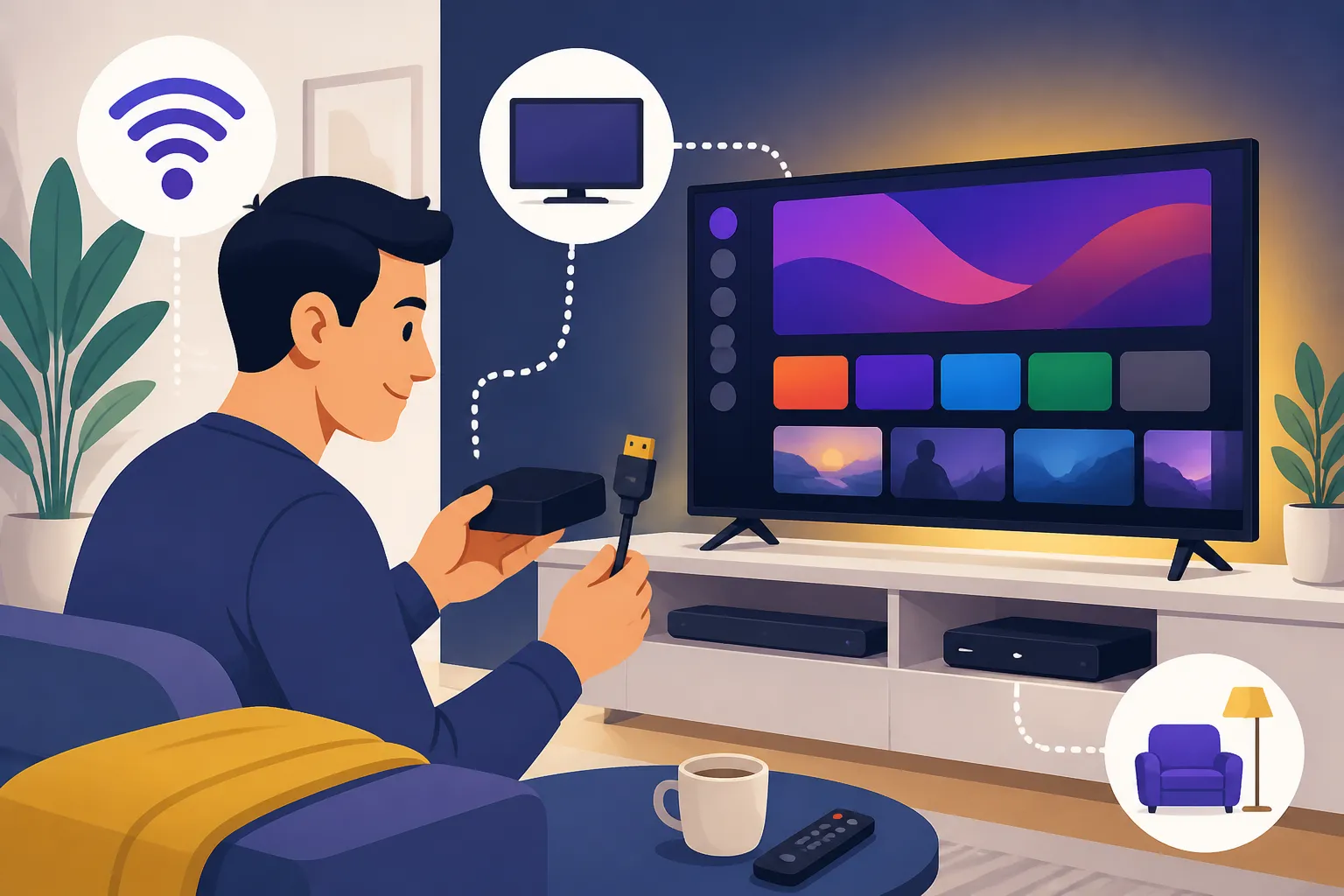
- Smart TVs: Most modern TVs are "smart," meaning they have built-in apps for Netflix, YouTube, BBC iPlayer, etc. This is often the most convenient way to access your streaming services directly.
- Streaming Sticks/Boxes: Devices like Amazon Fire TV Stick, Roku Streaming Stick, Google Chromecast, and Apple TV can turn any HDMI-enabled TV into a smart TV. They are great if you have an older TV, or if you want access to a wider range of apps than your TV's built-in system offers.
- Games Consoles: PlayStation and Xbox consoles also have apps for most major streaming services, making them versatile entertainment hubs.
- Laptops/Tablets/Phones: Of course, you can watch on any of your personal devices. This is particularly useful for catching up on shows while commuting or when another family member is using the main TV.
Remember to consider compatibility if you're bringing devices from outside the UK. While most streaming devices are fairly universal, ensure your TV is compatible with UK power outlets (you'll likely need adapters) and the HDMI standard.
Dealing with Geo-Restrictions and VPNs
This is a common frustration for expats. You might miss specific shows or sports from your home country, only to find they aren't available on UK streaming platforms. This is due to geo-restrictions, where content licenses are geographically limited.
A Virtual Private Network (VPN) can sometimes help bypass these restrictions by making it appear as if your internet connection is coming from another country. For example, if you want to watch a US-exclusive show on Netflix US, you could connect to a US VPN server. However, it's not always a guaranteed solution:
- Effectiveness Varies: Streaming services are constantly improving their ability to detect and block VPN usage. What works today might not work tomorrow.
- Legality: While generally legal to use a VPN, using one to circumvent copyright restrictions or terms of service of a streaming platform can be a grey area. Always check the terms of service for any platform you use.
- Speed Impact: Using a VPN can sometimes slow down your internet connection, especially if you're connecting to a server far away, which can impact streaming quality.
For UK services like BBC iPlayer, if you try to use it from outside the UK without a UK VPN, you'll be blocked. So, if you're popping back home for a visit and want to keep up with your favourite British shows, a VPN might be your ticket. However, the primary focus of this guide is setting up your UK home for streaming, where these restrictions apply differently.
Practical Tips for a Smooth Setup
Once you've navigated the licence, picked your platforms, and sorted your broadband, a few practical tips can make your viewing experience even better.
Juggling Multiple Subscriptions
It's easy to end up with a dozen streaming subscriptions, and the costs can quickly add up. Take stock of what you actually watch:
- Audit Regularly: Every few months, review your subscriptions. Are you still using that niche service? Is there a cheaper bundle available?
- Rotate Subscriptions: Instead of keeping everything active all year, consider subscribing to services for a few months to binge-watch a particular series, and then cancelling until the next season or new content arrives.
- Utilise Free Trials: Almost all services offer free trials. Use them wisely to test out a service before committing.
- Family Sharing: If you have housemates or family members, consider accounts that allow multiple profiles or simultaneous streams to share the cost.
Understanding The Cost of Healthcare in the UK: A Complete Breakdown for Foreigners (2026) or The Complete Guide to Cost of Living in the UK for Expats (2026) will help you budget for these entertainment expenses as well.
Trouble-Shooting Common Issues
Even with the best setup, technical glitches can happen. Don't panic!
- Internet Problems: If your streaming is buffering or lagging, the first suspect is usually your broadband. Try restarting your router and modem. If problems persist, contact your broadband provider. For deeper dives into connection issues, our post on How to Choose a Mobile and Broadband Provider in the UK has more tips.
- App Glitches: If an app isn't working, try closing it completely and reopening it. If that fails, try uninstalling and reinstalling the app. A quick device restart can also work wonders.
- Picture Quality: If your picture quality isn't what you expect, check your app's settings. Many services allow you to select streaming quality (SD, HD, 4K). Also, ensure your internet speed can support higher resolutions.
- Sound Issues: Check volume levels on both your TV and the streaming device/app. Ensure all cables are securely connected.
Setting up your entertainment in the UK might have a few more hoops to jump through than you're used to, particularly with the TV Licence. But once you've got it figured out, you'll have access to a fantastic array of local and international content. So grab a cuppa, settle into your new UK home, and enjoy the show!
Disclaimer
The information provided in this guide is for general informational purposes only and does not constitute legal or financial advice. While we strive to keep the information up-to-date and correct, rules and regulations in the UK, especially regarding TV licensing and visa requirements, can change. Always consult official government sources (such as tvlicensing.co.uk and gov.uk) or a qualified professional for the most current and specific advice tailored to your situation.