How Do I Set Up My UKVI Account and eVisa in the UK?
Moving to the UK, or even just extending your stay, can feel like navigating a labyrinth, especially when the rules keep shifting. One of the biggest changes in recent years has been the move towards digital immigration status – what the government calls an 'eVisa' – and the accompanying requirement to set up a UKVI account. If you've been handed a Biometric Residence Permit (BRP) in the past, or you're coming to the UK soon, you might be scratching your head trying to figure out how this new system works. This guide is here to walk you through the entire process of setting up your essential UKVI account and understanding your digital eVisa, helping you sidestep those frustrating administrative hurdles.
What Exactly Are a UKVI Account and an eVisa?
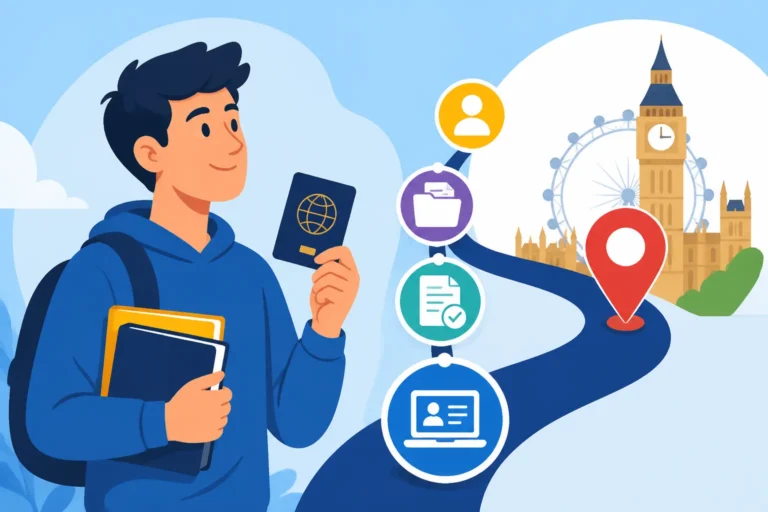
Let's get down to brass tacks. For a long time, foreigners living and working in the UK had a physical card – the Biometric Residence Permit, or BRP – as proof of their immigration status. It was a tangible thing, something you could hold in your hand and show to employers, landlords, or border officials. But the UK government is increasingly moving towards a fully digital system, which means your proof of right to live, work, or study in the UK is shifting from a plastic card to an online record: your eVisa, managed through your UKVI account.
The Shift from Physical Documents to Digital Status
This transition can feel a bit disorienting, especially if you're used to carrying physical identification for everything. The idea behind the eVisa system is to streamline processes and reduce the risk of lost or stolen BRP cards. Essentially, instead of a card, your immigration status is now linked to your online UKVI account. For most new visa applicants, especially those applying from outside the UK, you won't even receive a BRP anymore. Your status will be entirely digital from the get-go.
If you already hold a BRP, don't panic just yet. Your BRP remains valid until its expiry date or until 31 December 2024, whichever comes first. However, after that point, everyone will need to move to the digital eVisa system. The government is aiming for a seamless transition, but for us expats, it means another crucial thing to get right. This digital status means that when you need to prove your right to work or rent, you’ll be sharing a ‘share code’ generated from your online account, rather than physically handing over a card. It's a fundamental change to The Complete Guide to UK Visas and Immigration for Expats (2027).
Understanding Your UKVI Account: Your Digital Hub
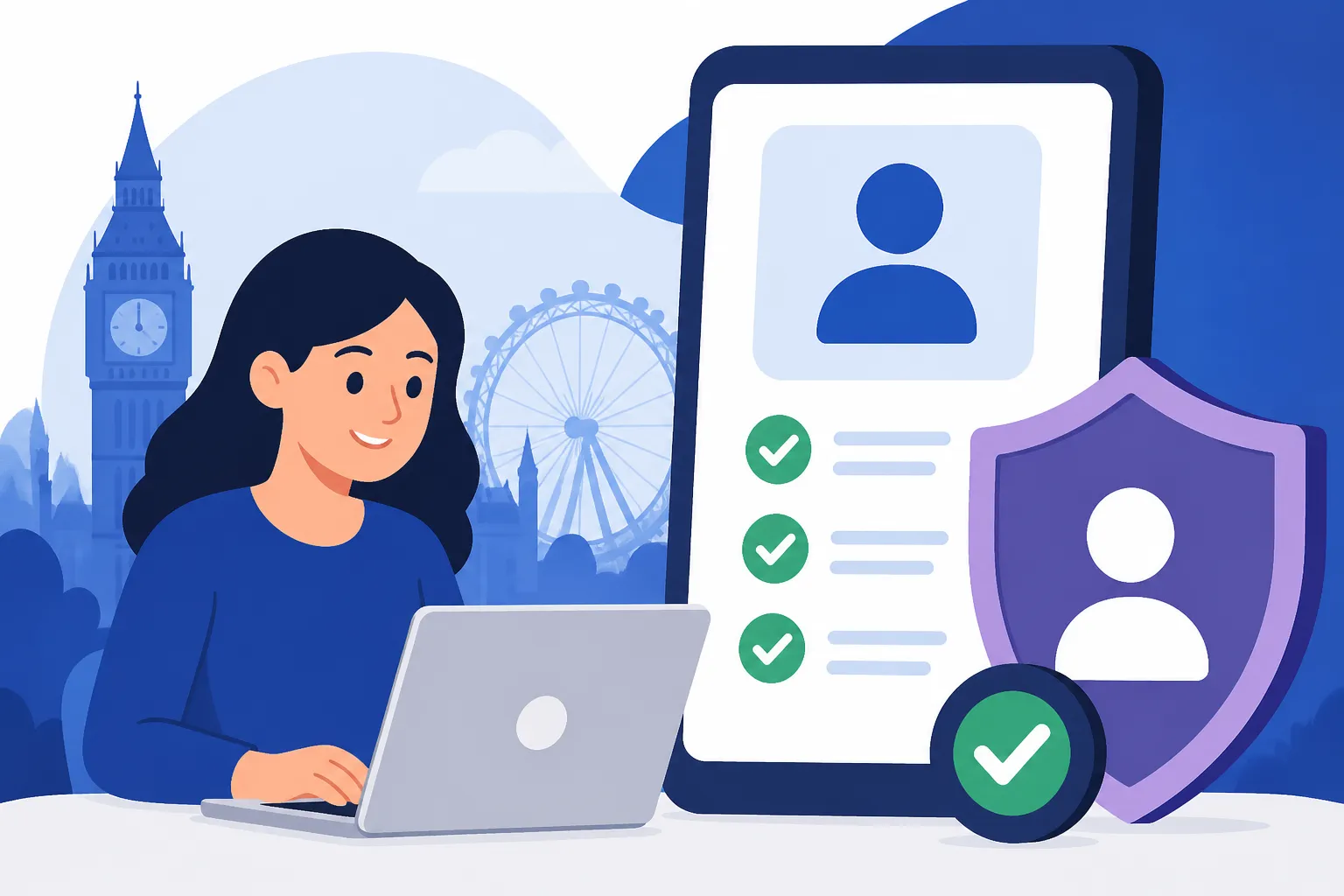
Think of your UKVI account as your personal, secure digital vault for all things related to your immigration status in the UK. It's where your eVisa lives. Once set up, this account allows you to:
- View your immigration status: See details of your visa, including the type, start and end dates, and any conditions attached (e.g., "no public funds" or "work prohibited").
- Generate share codes: This is paramount. When an employer, landlord, or other organisation needs to verify your immigration status, you'll provide them with a unique, time-sensitive share code generated from your account. They then use this code on a separate government online service to view your status.
- Update your personal details: If you get a new passport, change your address, or your name changes, this is where you'll update those critical pieces of information. It's vital for staying compliant with immigration rules and ensuring your records are accurate.
- Check your application history: You can often see past and pending applications you've made through UKVI.
This account isn't just a convenience; it's rapidly becoming the central pillar of how you interact with the UK immigration system and prove your right to be here. Without it, you could face difficulties proving your status, which could impact everything from your job to your housing. It’s a key part of Understanding How to Move to the UK Legally from Abroad (2027).
Step-by-Step: Setting Up Your UKVI Account
Okay, so you understand what it is. Now for the how. Setting up your UKVI account is a critical step that should be taken as soon as you arrive in the UK, or even beforehand if your visa allows for it. It's not overly complicated, but it does require attention to detail.
Gathering Your Essential Documents and Information
Before you even open a web browser, make sure you have all your ducks in a row. Having these ready will make the process much smoother and reduce frustration. Here’s what you’ll typically need:
- The document you used for your visa application: This is usually your passport. Make sure it's the same one you travelled to the UK with and that it’s still valid.
- Your visa application number or Unique Application Number (UAN): This is given to you when you applied for your visa. It’s usually a string of letters and numbers. Sometimes it's called a Global Web Form (GWF) reference number. You’ll find it on your decision letter or any correspondence from UKVI.
- Your Biometric Residence Permit (BRP) details: If you were issued a BRP, you'll need the number from it.
- Your date of birth.
- A valid email address: This will be your primary contact point for UKVI and how you'll log in. Choose one you check regularly and that is secure.
- A phone number: A UK mobile number is usually preferred, but an international one might work initially.
It's a lot of information, I know, but trust me, getting it all together before you start is a huge time-saver. You don't want to be scrambling for your passport number mid-application.
Navigating the Government Gateway and UKVI Portal
The actual setup takes place through the UK government's online services. Here’s a simplified walkthrough of the process:
- Go to the official "View and prove your immigration status" service: You can find this by searching for "UKVI account" or "view immigration status" on GOV.UK. Always ensure you are on the official government website (gov.uk domain) to avoid scams.
- Choose how to sign in: If you already have a Government Gateway ID (perhaps from setting up a tax account), you might be able to use that. However, many expats will need to create a new UKVI account specifically for their immigration status.
- Create your account or sign in: Follow the prompts to set up a new account. This will usually involve entering your email, creating a password, and setting up security questions. Make sure your password is strong and unique – this is your digital life we're talking about!
- Link your immigration status: This is the crucial part. The system will ask for details to find your immigration record. This is where you’ll input your passport details, BRP number (if applicable), and your visa application reference number. Be incredibly careful with spelling and numbers; even a single typo can prevent the system from finding your record.
- Verify your identity: You might be asked to verify your identity through a code sent to your email or phone, or by answering more security questions.
- Confirm your details: Once your status is linked, you should see an overview of your immigration details. Review them carefully to ensure everything is correct.
It sounds straightforward, but sometimes the system can be a bit finicky. If you encounter issues, double-check every single piece of information you've entered. A common frustration is when the system doesn't immediately recognise your details. This could be due to a delay between your visa being granted and the digital system updating, or a simple data entry error. Patience is key here.
Linking Your Immigration Status to Your Account
For many, especially those who received a BRP, the process of linking your existing immigration status to your new UKVI account is paramount. This isn't just about creating a login; it's about connecting that login to your legal right to be in the UK.
You might be asked for details like:
- Your BRP number.
- The passport you used for your most recent visa application.
- Your nationality and date of birth.
The system uses these details to match your identity to your existing immigration record. It’s essential to use the exact same information you used when applying for your visa. For instance, if you used a particular passport for your visa application, but you've since renewed it, the system might initially struggle if you try to link it with your new passport details. In such cases, you might need to try using your old passport details first and then update them once the account is active. This digital transition is designed to make things easier in the long run, but the initial setup can be a source of stress. Keep your decision letter and any visa-related correspondence handy, as they contain those vital reference numbers and dates that the system uses to find you.
Managing Your eVisa and Staying Compliant
Once your UKVI account is set up and your eVisa is linked, the journey isn't over. This digital status requires ongoing management to ensure you remain compliant with UK immigration law and can easily prove your right to live, work, or study here when needed.
Accessing and Sharing Your Digital Immigration Status
This is where the "view and prove" service truly comes into its own. You'll log into your UKVI account via the GOV.UK website. Once logged in, you'll find an option to "view and prove your status."
Here’s how it works:
- Access your status: After logging in, you'll see a summary of your immigration status, including your visa type, validity dates, and any conditions.
- Generate a share code: When an organisation (like a prospective employer, a letting agent, or even certain government services) asks to see proof of your right to work or rent, you’ll generate a share code. You select what you need to prove (e.g., "right to work" or "right to rent") and the system will provide a unique, single-use code.
- Provide the code: You'll give this code to the organisation, along with your date of birth. They will then use their own online service to verify your status. The code is usually valid for 90 days.
This system is designed to be secure and efficient, but it relies on you actively managing your account. Always be cautious about who you share this code with and ensure they are legitimate organisations. This is a crucial aspect of Understanding Who Is Eligible for Free NHS Care in the UK or when finding a home, as landlords will definitely need to check this.
Common Issues and Troubleshooting Your UKVI Account
Let's be real, technology isn't always perfect, and government websites can be particularly challenging. You might hit a snag, and that's okay. Here are some common issues expats face and how to approach them:
- Can't log in/forgotten password: This is probably the most common. Use the "forgotten password" link. Be prepared to answer security questions you set up. If you forget those too, you might need to go through a more involved identity verification process with UKVI.
- Immigration status not showing or incorrect: First, double-check your personal details. Did you enter your passport number correctly? Your date of birth? If everything seems right, there might be a delay in the system. It can sometimes take a few days after your visa is granted for your digital status to appear. If it persists, you might need to contact the UKVI contact centre directly.
- Share code issues: If an organisation can't verify your status with the share code, ensure you've given them the correct code and your exact date of birth. Sometimes, the issue might be on their end (e.g., they're not using the correct employer/landlord portal).
My advice? Be patient, methodical, and keep a record of all your reference numbers. If you need to contact UKVI, having all your details ready will make the interaction smoother. They typically have dedicated helplines for technical issues related to digital status.
Keeping Your Details Up-to-Date for Seamless Living
This point cannot be stressed enough: you are responsible for keeping your details updated in your UKVI account. This includes:
- New passport: If you get a new passport, you must update this information in your UKVI account. Failure to do so could lead to issues when travelling or proving your status.
- Change of address: While not always strictly an immigration requirement for short-term changes, it’s good practice to keep your address updated. For longer-term changes, it's definitely required.
- Change of name: Marriage, divorce, or any other name change needs to be reflected in your immigration record.
Imagine trying to travel and finding your eVisa linked to an old, expired passport. Or trying to prove your right to work, but your name on the system doesn't match your current documents. These seemingly small things can cause huge headaches, delays at the border, or even problems with your job. Stay on top of it! This extends to other crucial aspects of your life, such as your health insurance. For example, if you have private health cover through a provider like Cigna Global, it’s just as important to ensure your details with them are current, especially if your immigration status or personal information has changed, as this can affect your coverage.
Important Considerations for Expats with an eVisa
Living with a digital immigration status is a learning curve for everyone, especially for us expats who are already navigating so many other aspects of life in a new country. There are a few extra things to keep in mind to make sure your journey is as smooth as possible.
Travelling In and Out of the UK with a Digital Status
This is often where expats get most nervous: what happens at the border without a BRP card?
- No physical document needed: For most modern e-gates at UK airports, your passport is scanned, and your eVisa status is automatically checked against your passport data. You won't need to show a physical BRP.
- Be prepared for questions: While the system is designed to be seamless, occasionally a border officer might have questions. It's always a good idea to have access to your UKVI account on your phone (or a printout of your status if you're really cautious, though technically not required) in case you need to quickly show your status. Ensure your phone is charged!
- Check airline requirements: Some airlines, especially those outside the UK, might still be getting used to the eVisa system. While they shouldn't legally require a physical visa, having a printed copy of your digital status or being able to show it on your phone could prevent boarding delays if an airline staff member is unfamiliar with the UK's digital system.
- Travelling to other countries: Remember, your eVisa only applies to your immigration status in the UK. When travelling to other countries, you'll need to check their entry requirements for your nationality.
This is all part of getting used to the new normal. Just like arranging your move with a reliable service like Sirelo, proactive planning for your digital status when travelling will save you stress.
Protecting Your Digital Identity: Security Tips
Your UKVI account holds very sensitive personal and immigration information. Treating it with the same, or even greater, level of security as your bank account is crucial.
- Strong, unique passwords: Use a complex password that combines letters, numbers, and symbols. Never reuse passwords from other online accounts.
- Two-factor authentication (2FA): If the UKVI system offers 2FA (where you get a code to your phone as well as your password), enable it immediately. This adds an extra layer of security.
- Beware of phishing: Be incredibly wary of emails or messages claiming to be from UKVI that ask for your login details or personal information. Always check the sender's email address and look for suspicious links. When in doubt, go directly to the GOV.UK website and log in from there.
- Don't share login details: Never give your UKVI account login details (username and password) to anyone, even if they claim to be from the Home Office or an immigration advisor. Legitimate organisations only need the share code you generate from your account to view your status.
Your digital identity is precious, and protecting your UKVI account is a key responsibility in safeguarding your immigration status in the UK.
What Happens if You Don't Set Up Your UKVI Account?
Simply put: it will make your life incredibly difficult, and potentially jeopardise your immigration status. If you don't set up your UKVI account and link your eVisa:
- You won't be able to prove your right to work: Employers must check your right to work. Without an eVisa and share code, you literally cannot provide proof. This could lead to job offers being rescinded or even dismissal.
- You won't be able to prove your right to rent: Landlords are also legally required to check your right to rent. No share code means no proof, which means no tenancy agreement.
- Difficulty with other services: Many other services, like opening a bank account, accessing certain benefits, or even some aspects of healthcare, rely on verifying your immigration status. Without your eVisa accessible through your account, you could face delays or refusal.
- Travel issues: While e-gates might work, any manual check at the border could become complicated if officers can't immediately verify your digital status due to an unactivated account.
- Non-compliance: Ultimately, not engaging with the digital system could be seen as failing to comply with immigration rules, potentially impacting future visa applications or settlement.
The government is moving everyone to this digital system, and there's no way around it. Embrace it, understand it, and get your UKVI account set up as soon as you're able. It's an essential part of How to Get a Biometric Residence Permit or eVisa in the UK and generally living in the UK.
Essential Checklist for Your UKVI Account and eVisa
To help you keep track, here's a quick checklist of the key items and actions related to your UKVI account and eVisa:
| Item/Action | Description | Status |
|---|---|---|
| Valid Passport | The passport you used for your most recent visa application. | [ ] Ready |
| Visa Application Number | Your GWF reference or UAN from your visa application. | [ ] Ready |
| BRP Number (if applicable) | The 10-digit number from your physical Biometric Residence Permit. | [ ] Ready |
| Email Address | A secure, regularly checked email for your account login and communications. | [ ] Ready |
| UK Phone Number | For verification and contact purposes. | [ ] Ready |
| Create UKVI Account | Set up your account on GOV.UK via the "View and prove your immigration status" service. | [ ] Done |
| Link Immigration Status | Ensure your digital visa status is correctly linked to your UKVI account. | [ ] Done |
| Review Details | Double-check all personal and immigration details are accurate in your account. | [ ] Done |
| Update Changes | Commit to updating your account immediately if your passport, address, or name changes. | [ ] Ongoing |
| Understand Share Codes | Know how to generate and use share codes for right to work/rent checks. | [ ] Understood |
| Secure Account | Use strong passwords and be aware of phishing attempts. | [ ] Ongoing |
Getting your UKVI account and eVisa set up correctly is a fundamental step in making your life as an expat in the UK run smoothly. It’s part of the digital evolution of immigration, and while new systems always come with a bit of a learning curve, understanding and managing yours will empower you to live, work, and travel in the UK with confidence.
Disclaimer
The information provided in this guide is for general informational purposes only and does not constitute legal or immigration advice. While every effort has been made to ensure accuracy, immigration rules and procedures are subject to change. Always consult the official GOV.UK website or a qualified immigration advisor for the most current and personalised advice regarding your specific situation.